
Ad-Shield
·
April 17, 2026
Access Your Ad-Shield Data Via AI
Connect your AI client to the Ad-Shield MCP. Including Claude, Cursor, Windsurf, and more.
Access Your Ad-Shield Data Via AI
Ad-Shield
·
April 17, 2026

compliant

AI is increasingly becoming the interface for working with data.
Instead of navigating dashboards, publisher teams and ad management companies are starting to query systems directly, asking questions, generating reports, and monitoring performance through AI chat and agents.
At Ad-Shield, we aim to be at the forefront of these shifts.
Introducing the Ad-Shield MCP server
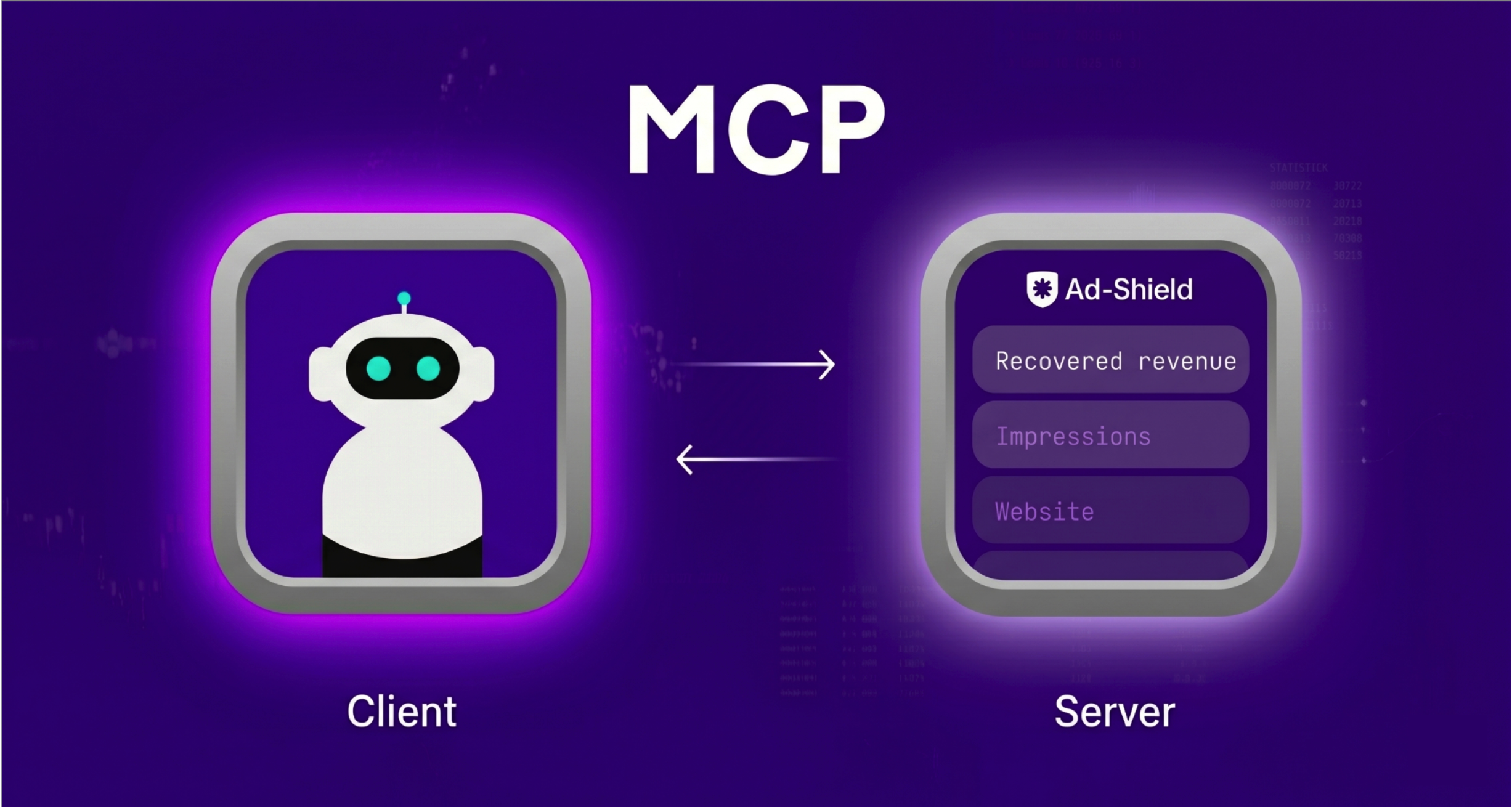
As part of this, we have launched a remote Model Context Protocol (MCP) server.
This allows customers to connect their Ad-Shield account to Claude, Cursor, Windsurf, and other MCP-compatible AI clients.
The MCP server exposes the same Ad-Shield data already available in the dashboard. AI can query this directly by prompting it through chat, or, via an agent.
What it does and how it is used
Once connected, your AI client can access data across the websites linked to your account.
This includes:
- Website-level visibility (with desktop and mobile breakdown)
- Daily performance data (revenue, impressions)
- Demand type (programmatic, direct, house)
In practice, this allows you to query your data in a more flexible way.
For example:
- “Which of my sites generated the most revenue last week?”
- “Show daily impressions for the past month, broken down by device.”
- “Compare programmatic versus direct revenue across my portfolio in April.”
For teams already using AI, this can simplify workflows and enable more continuous monitoring. For others, it offers a foundation for adopting these workflows over time.
Setting it up
The Ad-Shield MCP server can be connected to any MCP-compatible AI client.
Need help setting it up?
Email pubops@ad-shield.io or contact your account manager.

Ad-Shield enables open web publishers to measure and monetize the 79% of adblocking traffic that is not captured by their existing adblock recovery stack.
Most publishers see a 4-5X adblock revenue increase.



.png)

